
Aircraft FAQ
How do I uplink my flight plan from SimBrief?
Instructions on uplinking your SimBrief route to your FMC.
Updated 2026-05-30
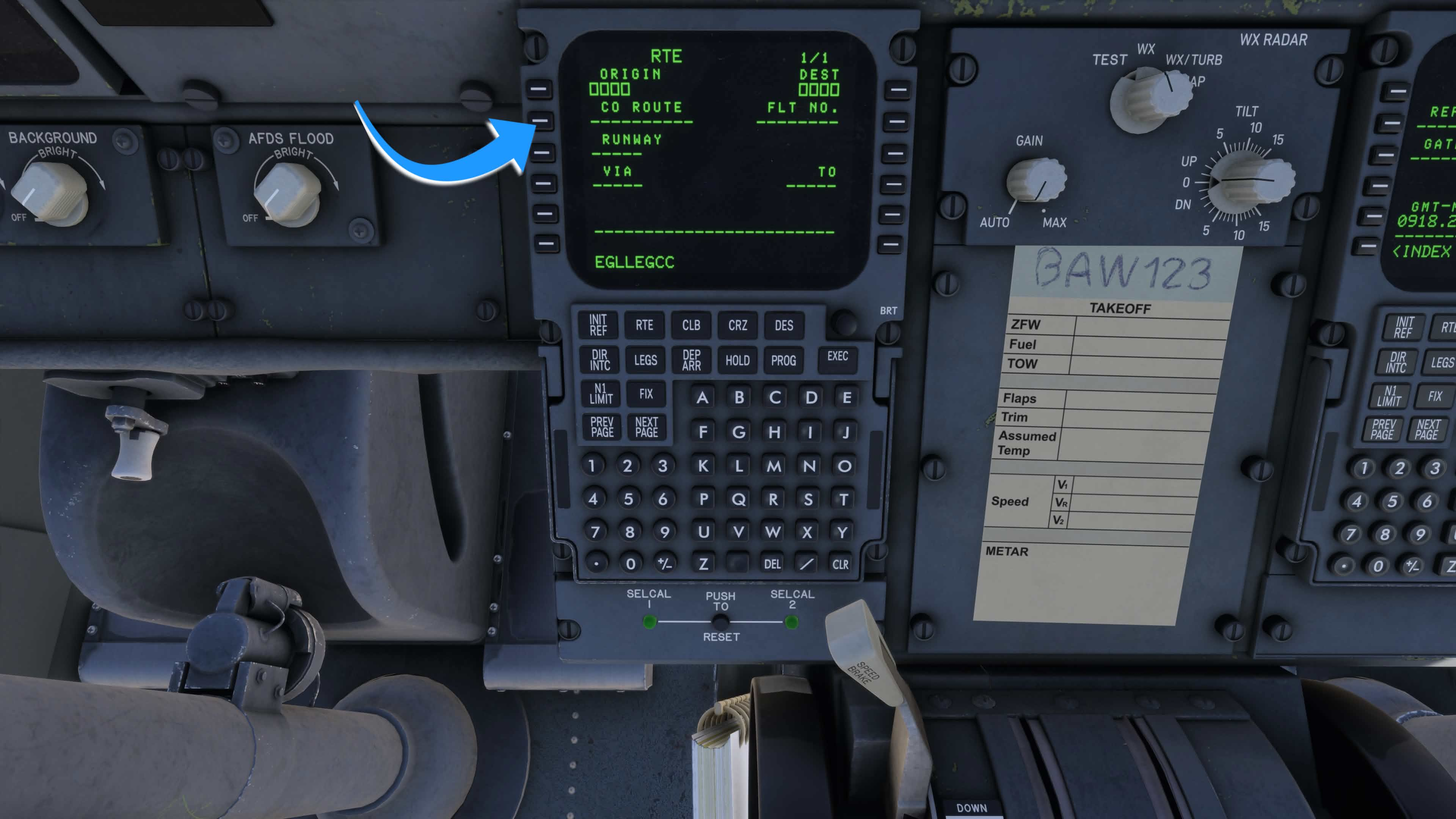
This is done through the CO RTE function. With a flight selected in the SimBrief EFB app, enter your departure and arrival airport codes without a space (e.g. EGLLEGCC) and paste them into the CO RTE field on the RTE page.
Article media
Related articles
Browse similar articles
Need support?
Open the CSS Support Center
Source: CSS Launcher User Manual, Rev. 5 — December 2025.