Aircraft family
737-300 / 400 / 500
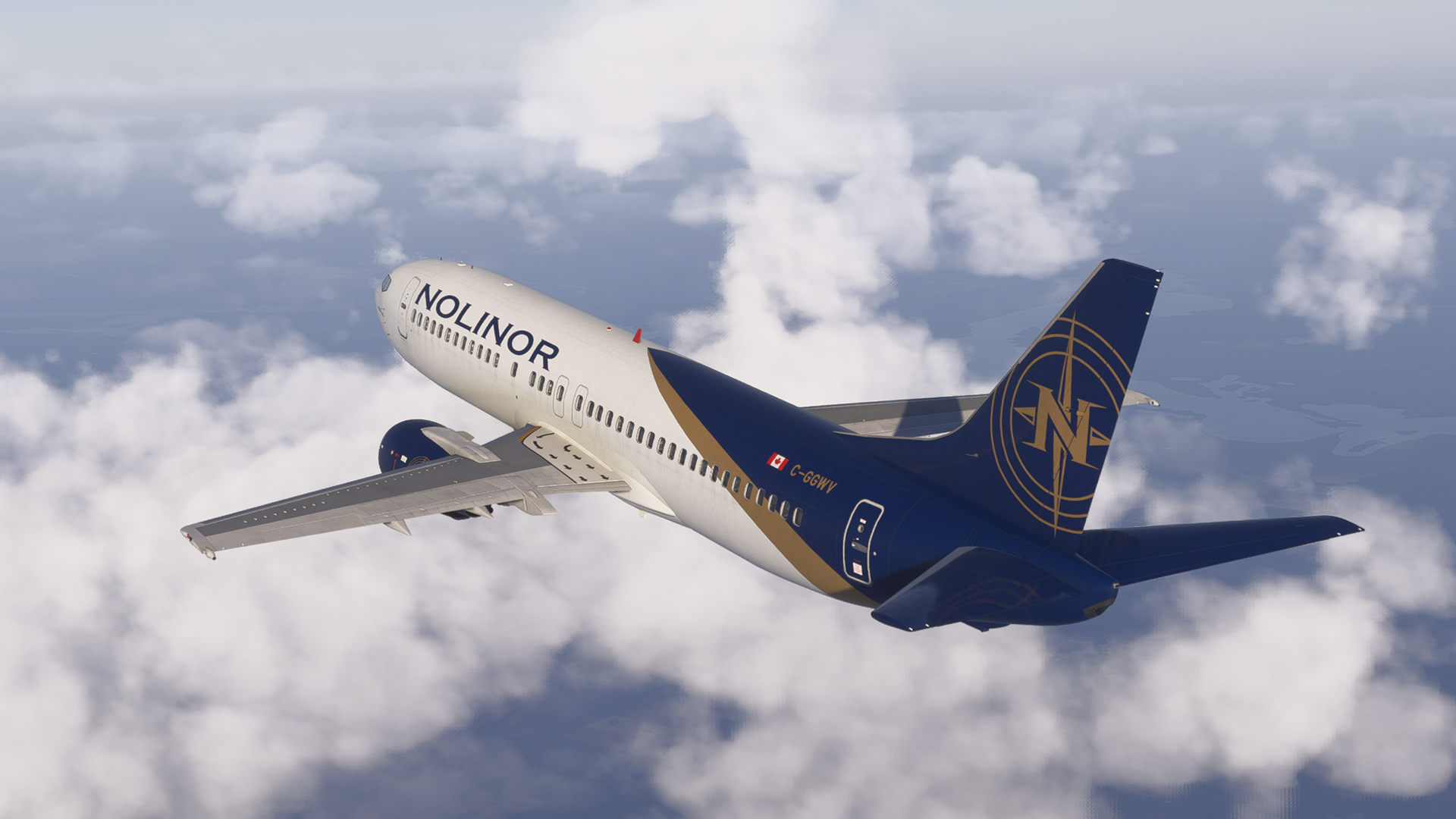
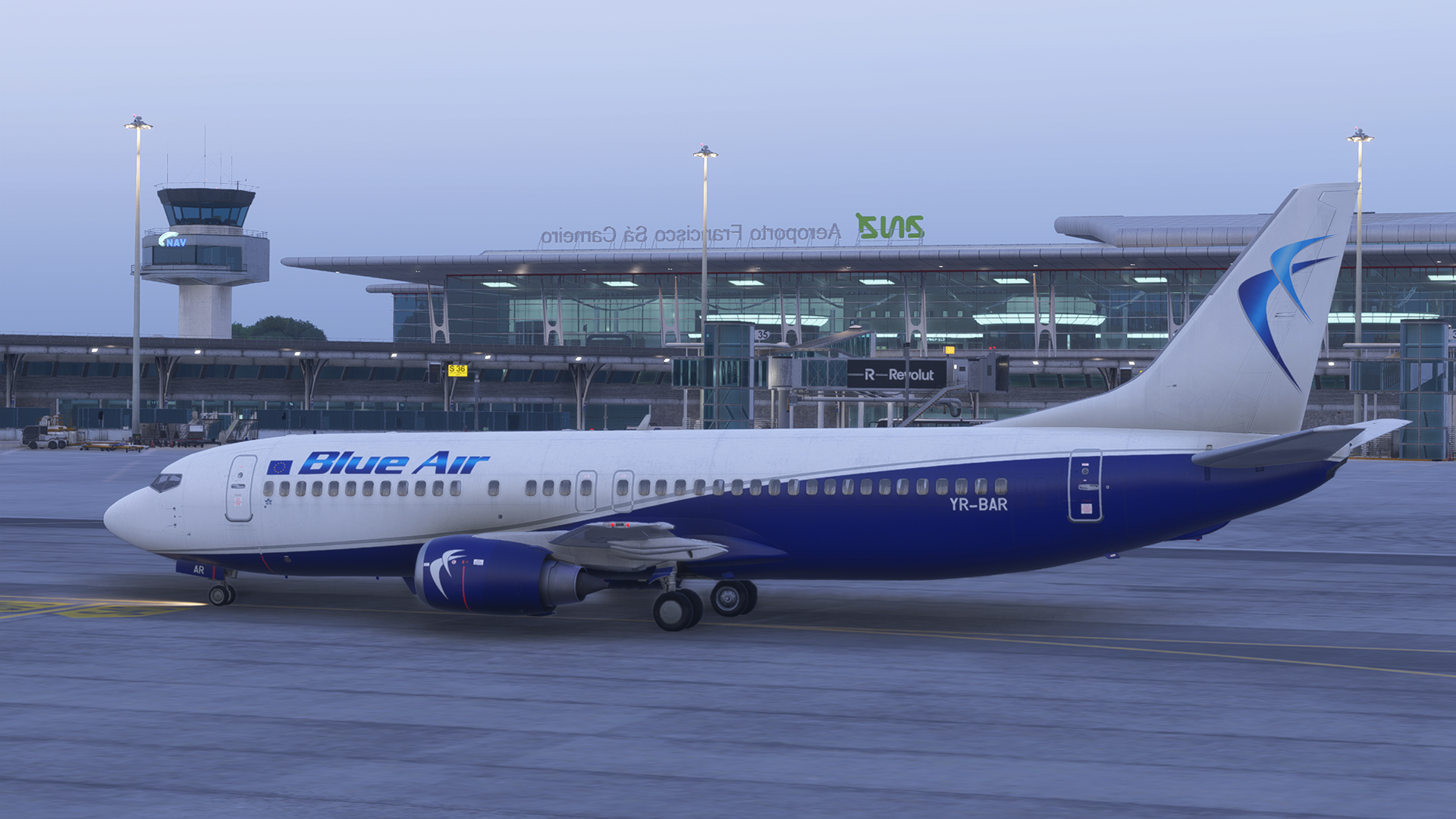
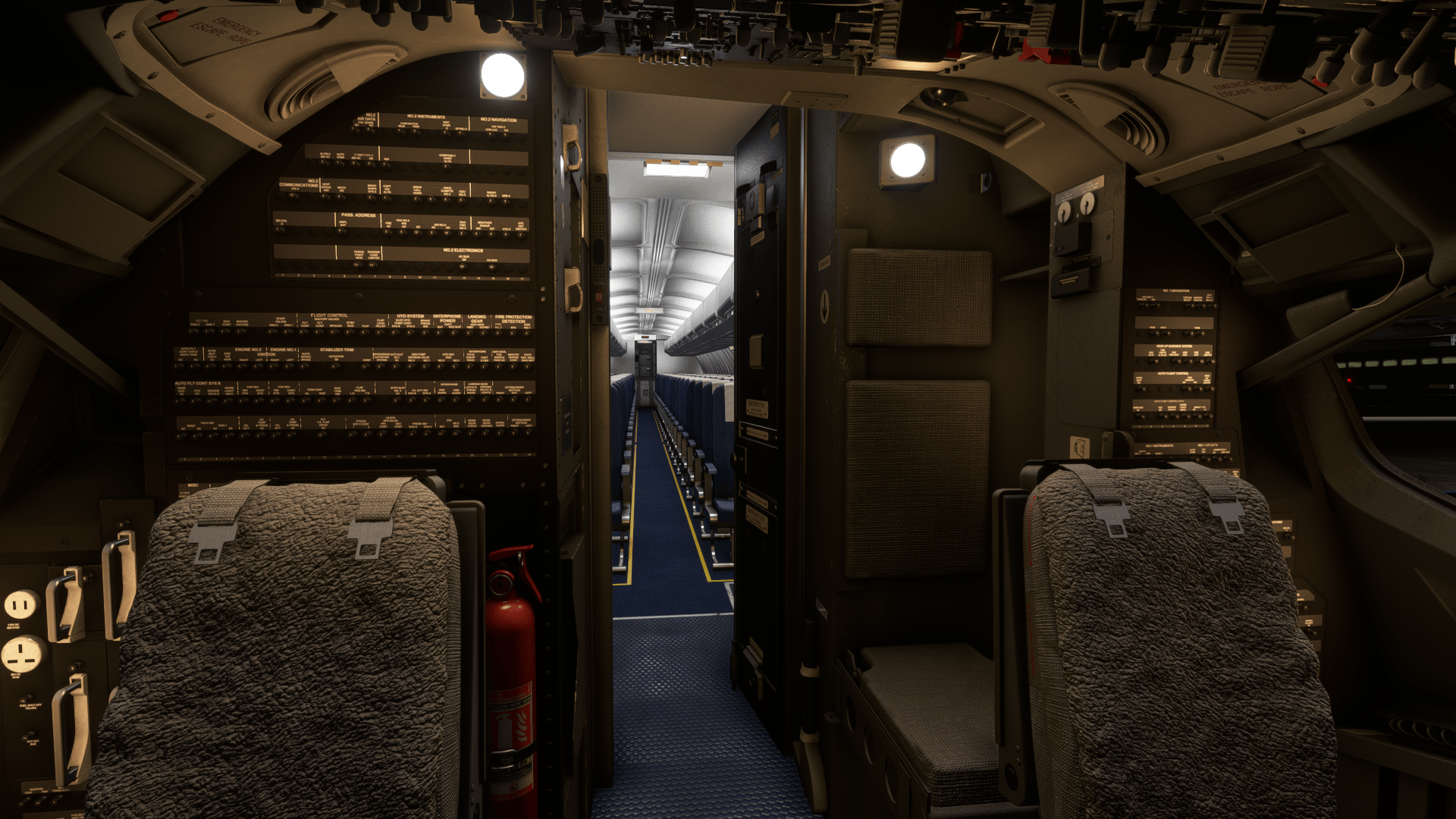
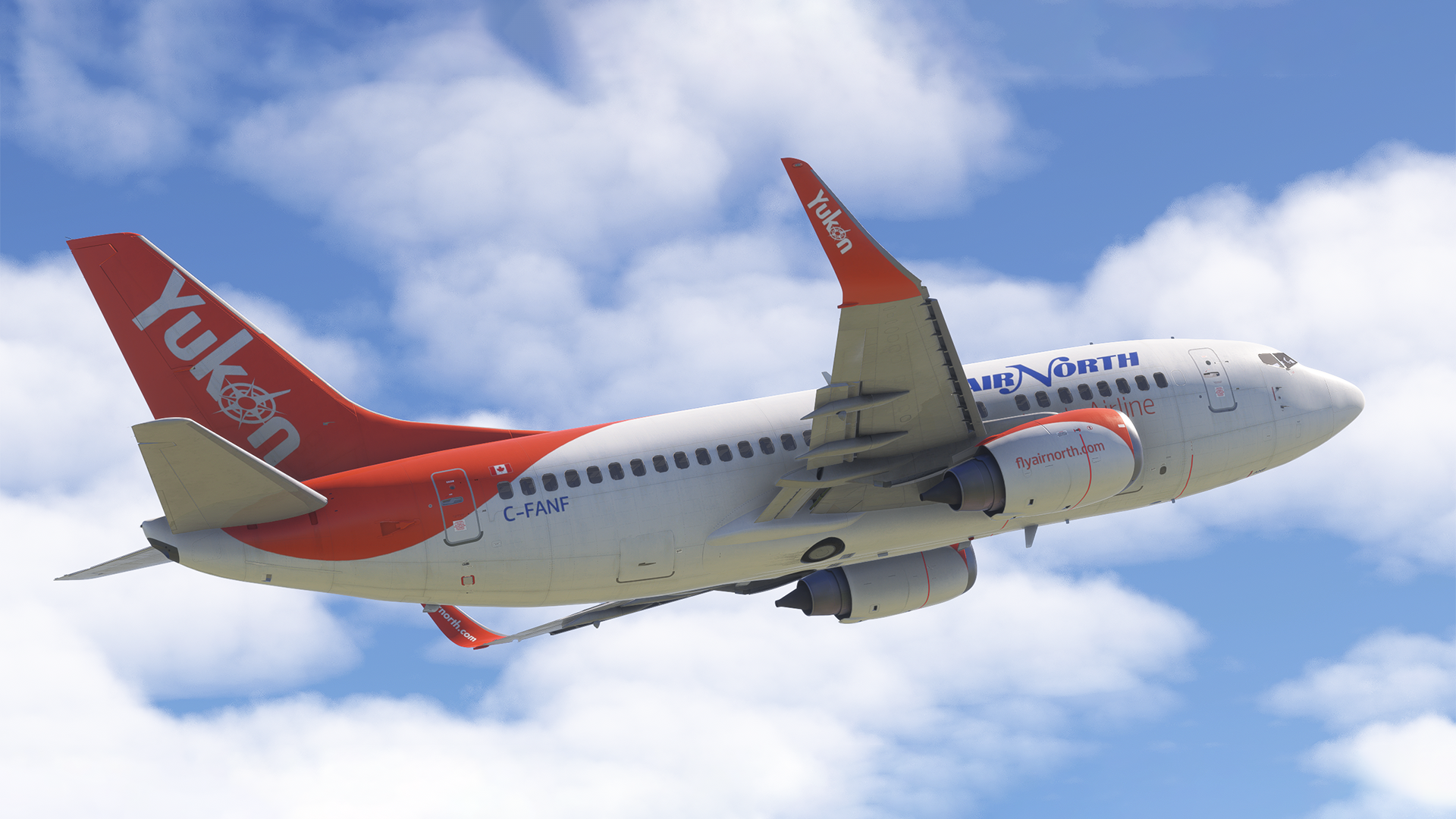
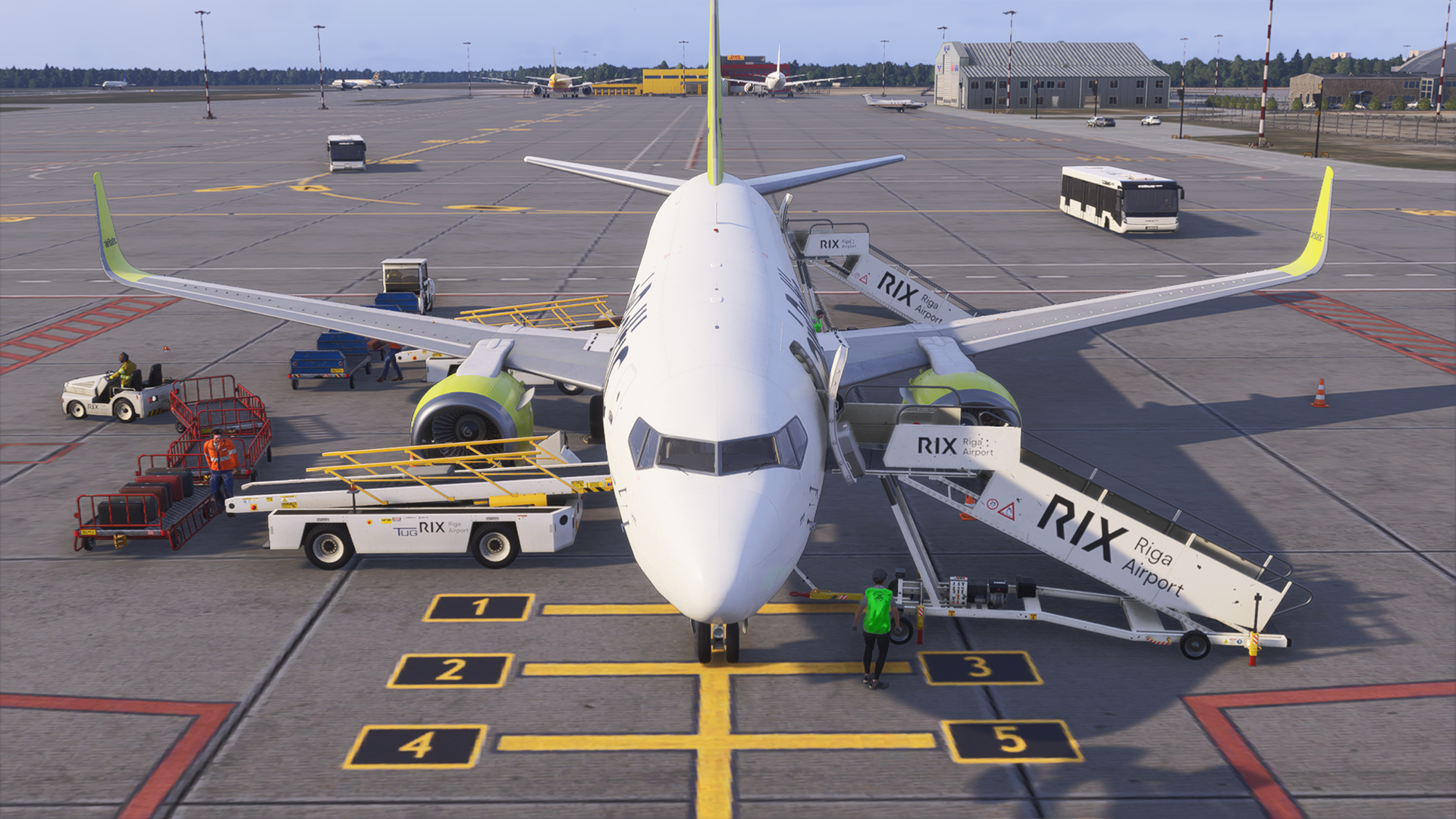
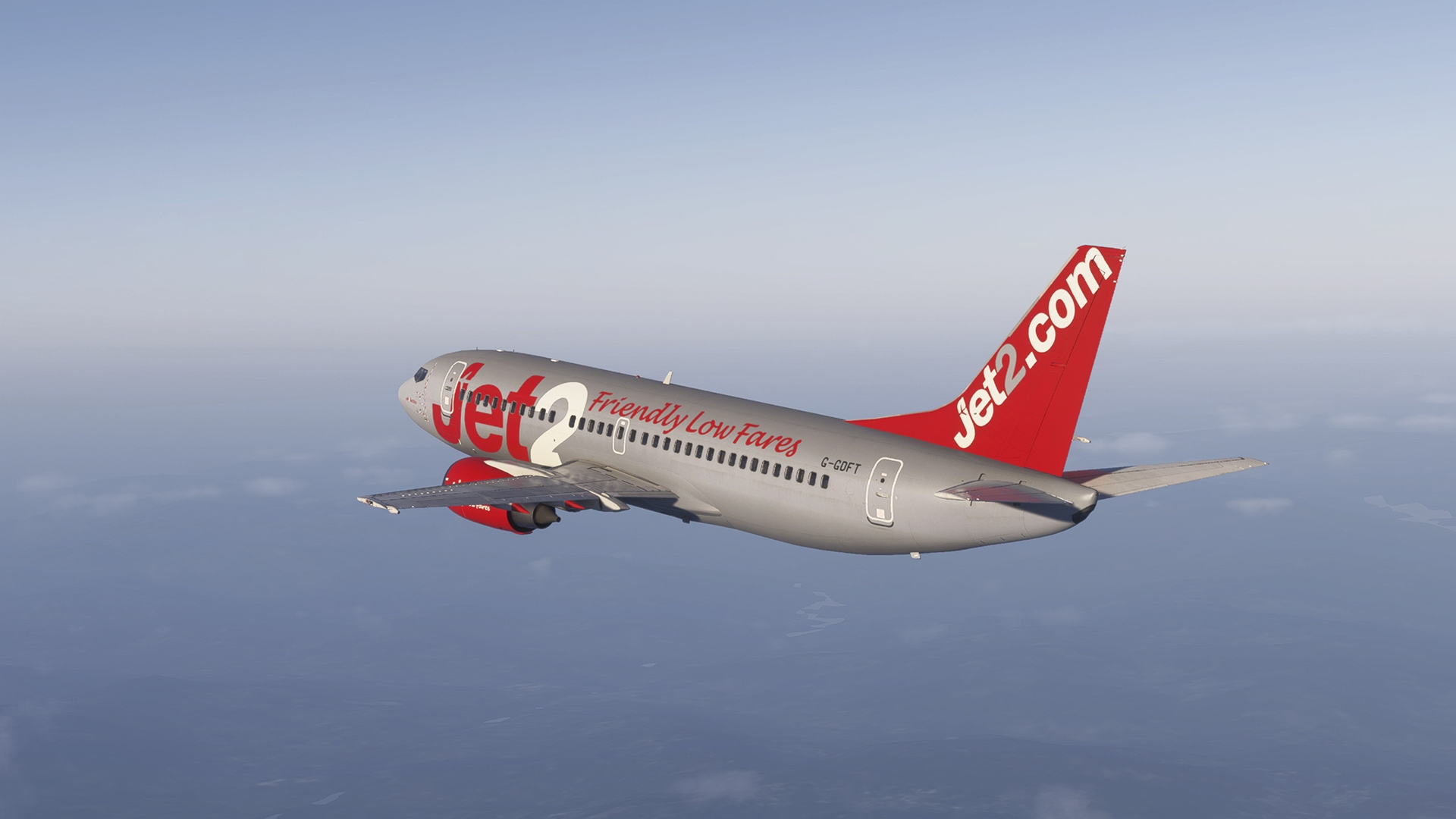
Choose the Classic variant that fits your mission: the universal 737-300, the stretched 737-400, or the 737-500 for low-demand feeder routes.
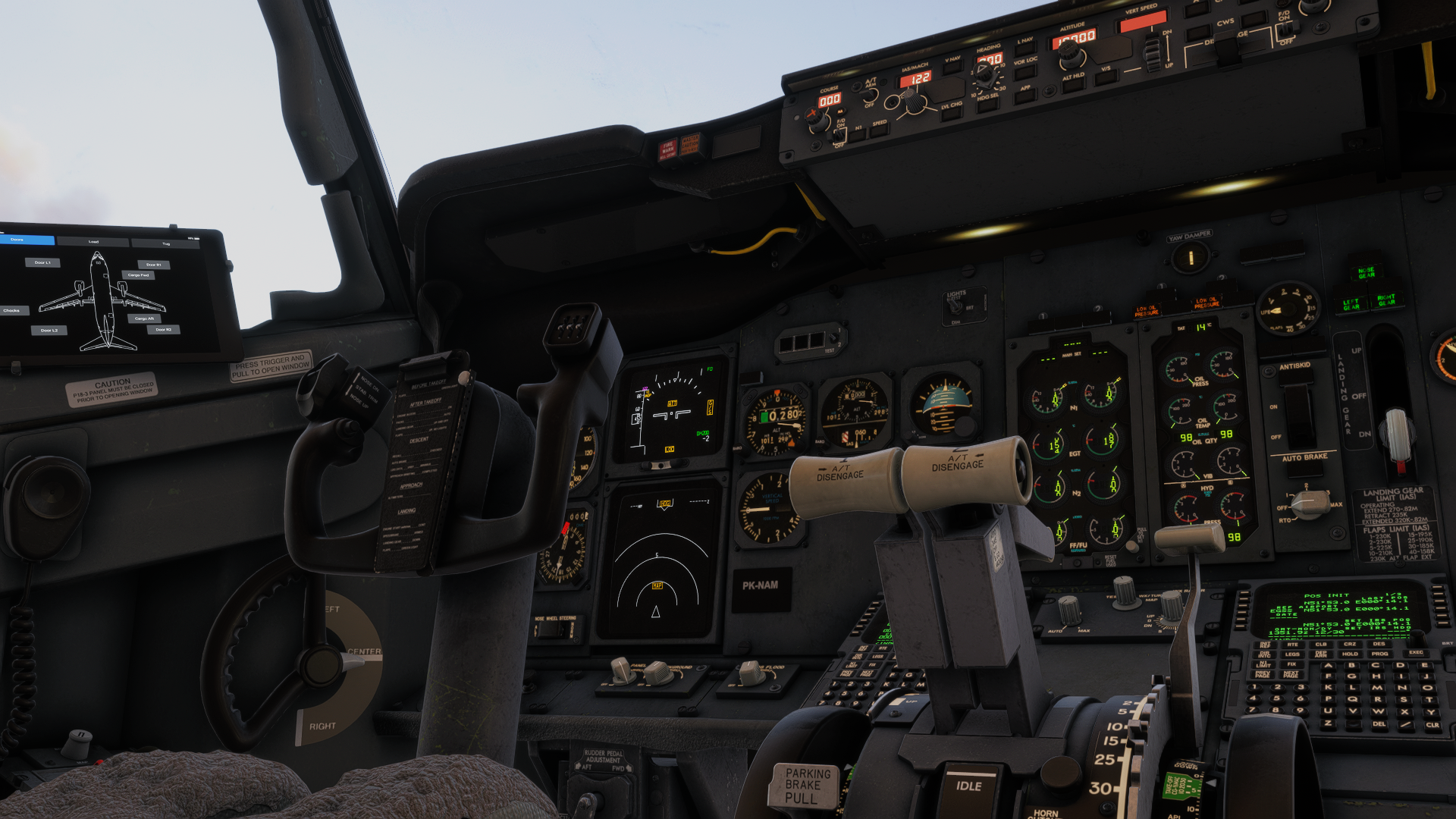
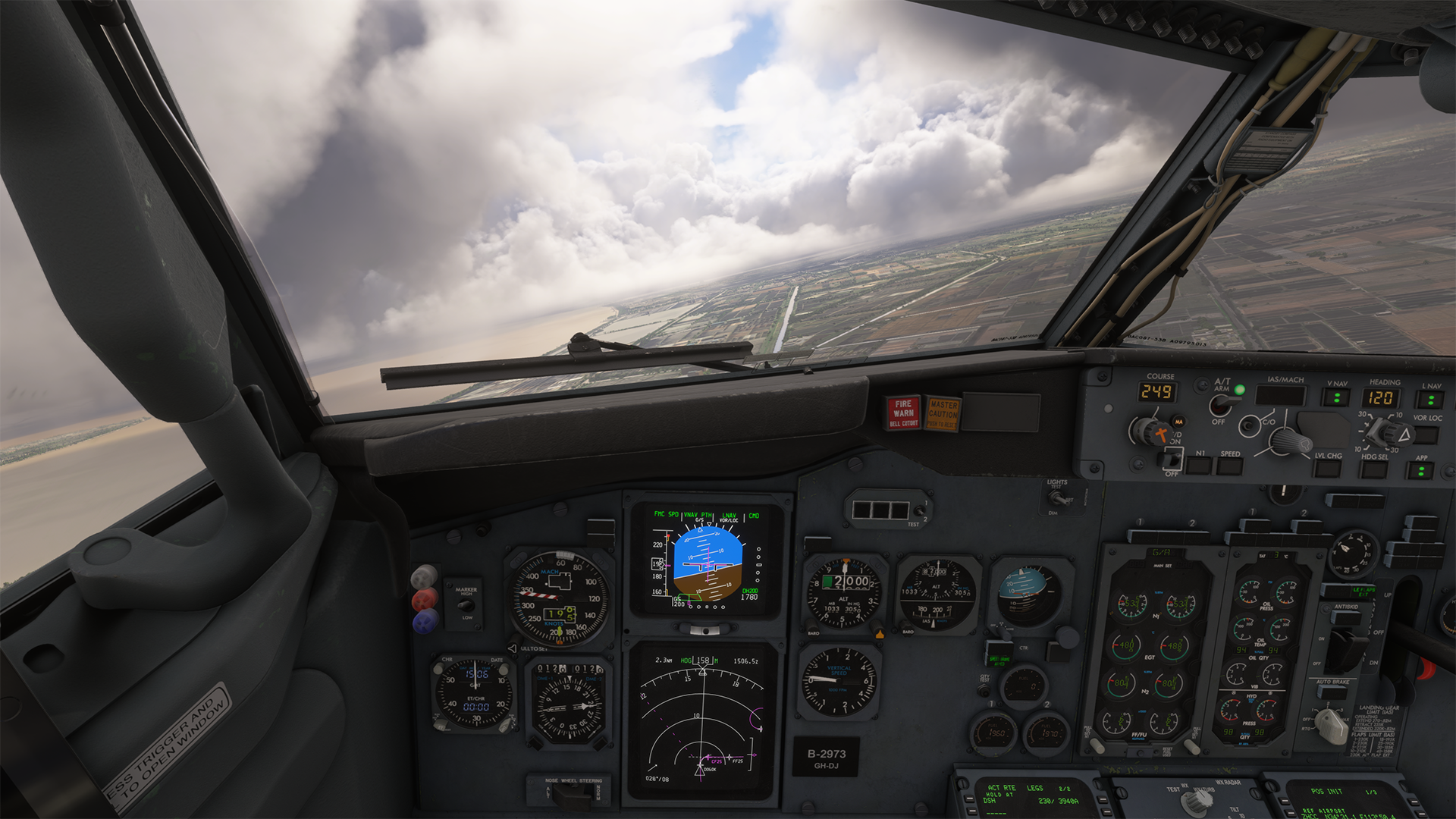
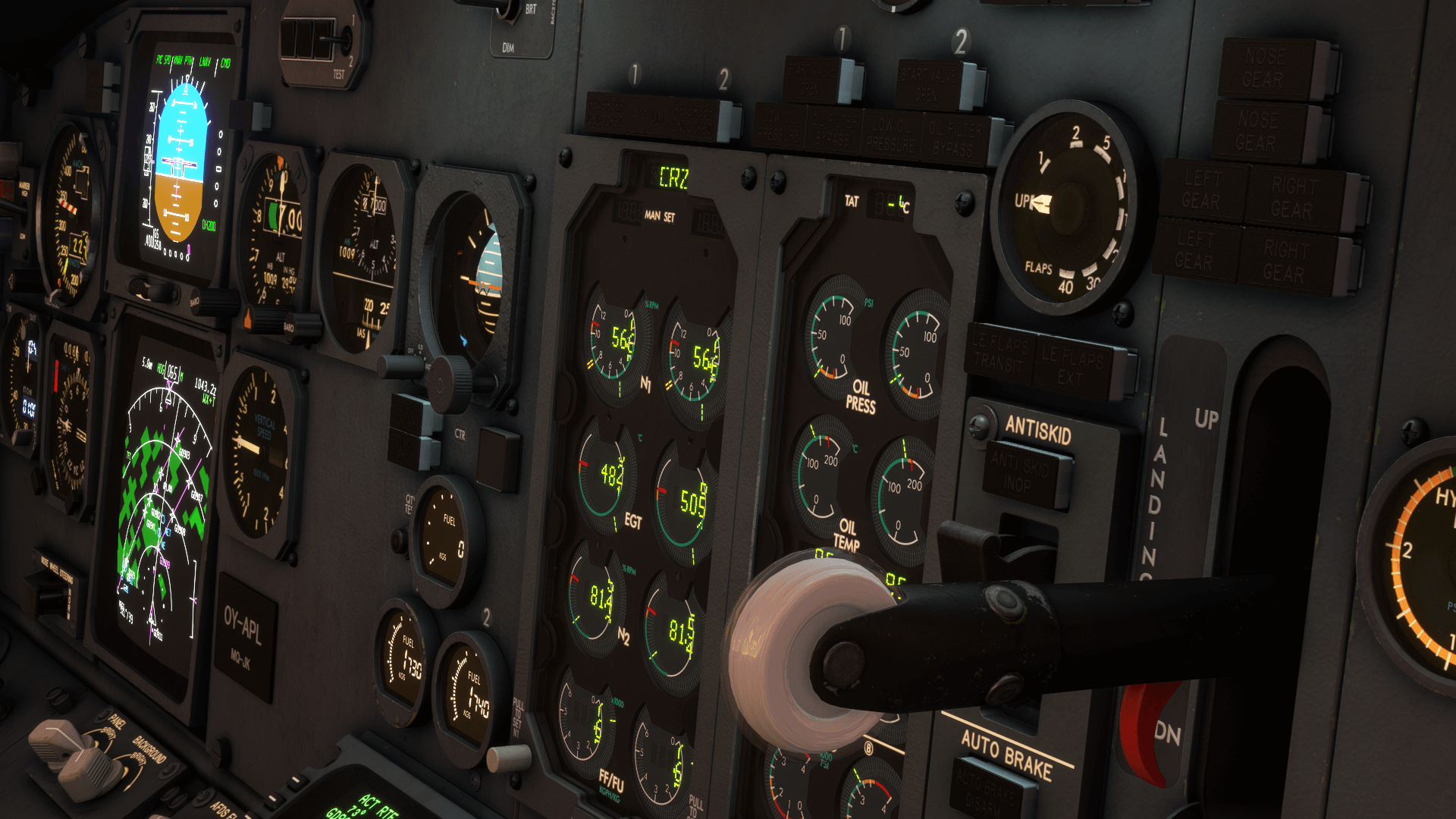
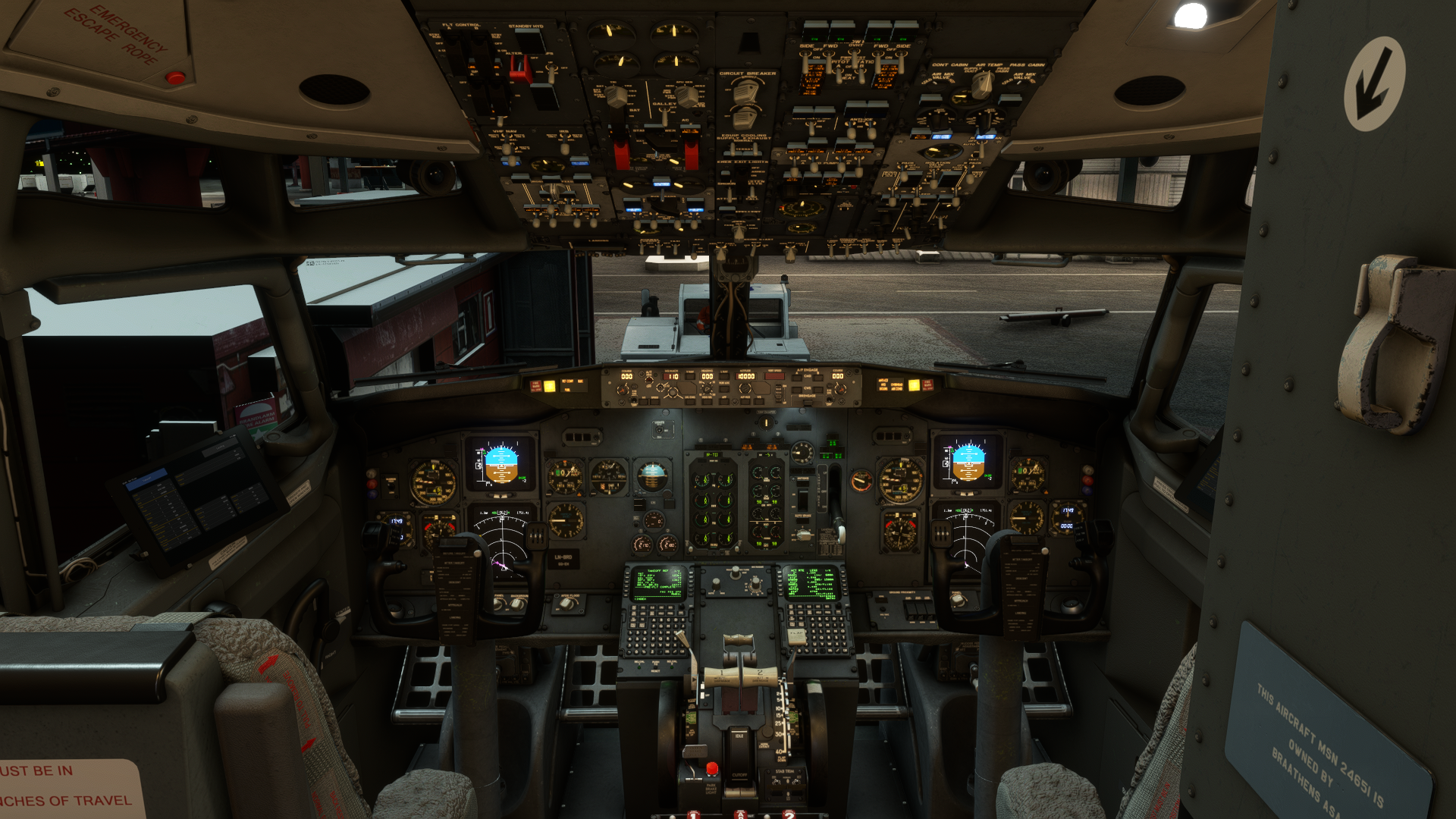
Experience the true workhorse of the 90s and 2000s with the CSS 737 Classic for Microsoft Flight Simulator 2020 and 2024, offering fully external study-level systems, an era-accurate FMC with LNAV and VNAV, flight dynamics tested by real pilots and a fully custom EFB with Navigraph and SimBrief integration.
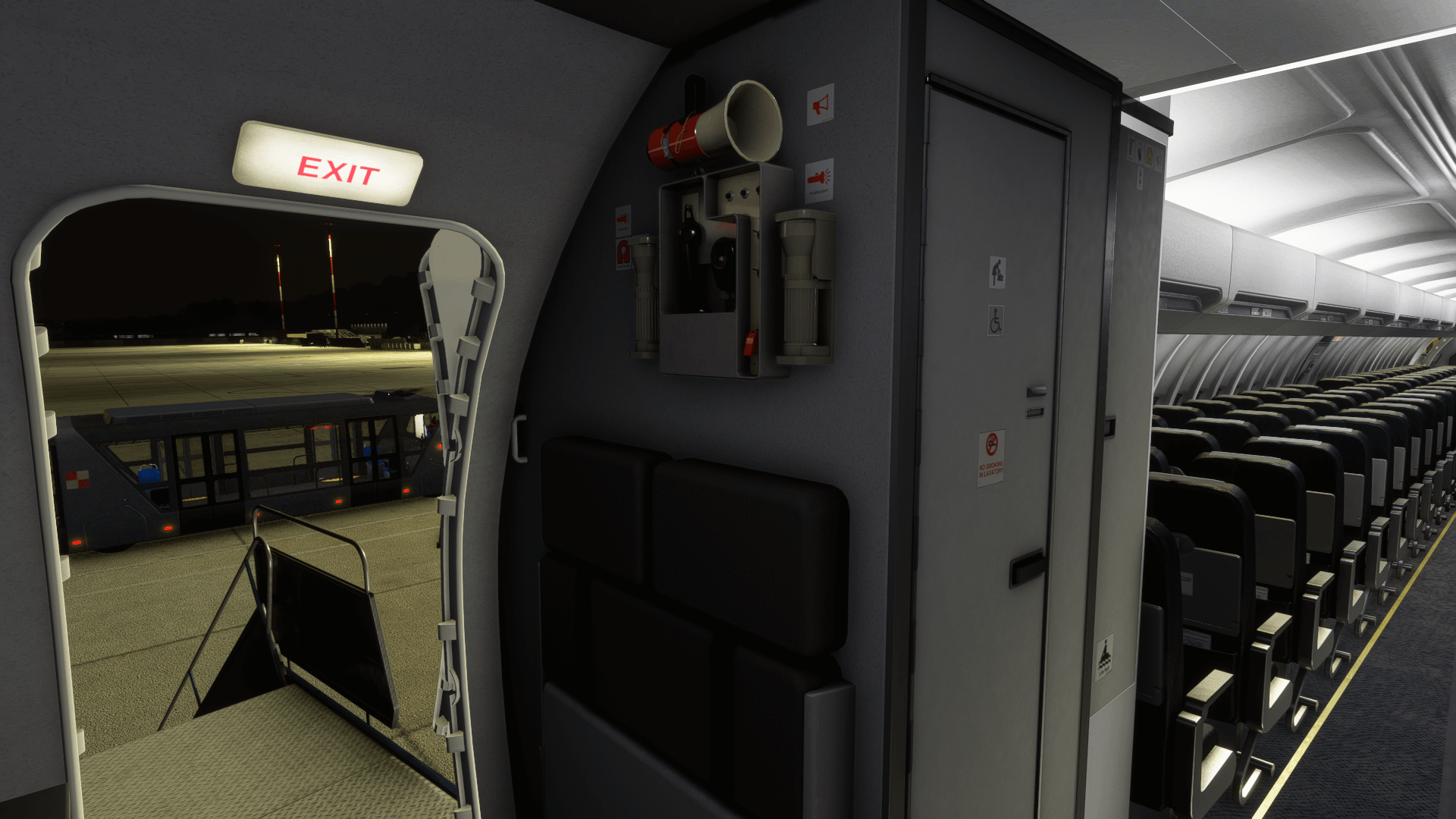
The CSS 737 Classic family brings the 737-300, 737-400, and 737-500 into Microsoft Flight Simulator 2020 and 2024 with features such as FMC U5.0 with SimBrief route uplink capabilities, DME/DME/IRU navigation, LNAV/VNAV, Autoland, Weather and Terrain radars, icing simulation, working wipers, a customizable virtual crew and much more.
Explore→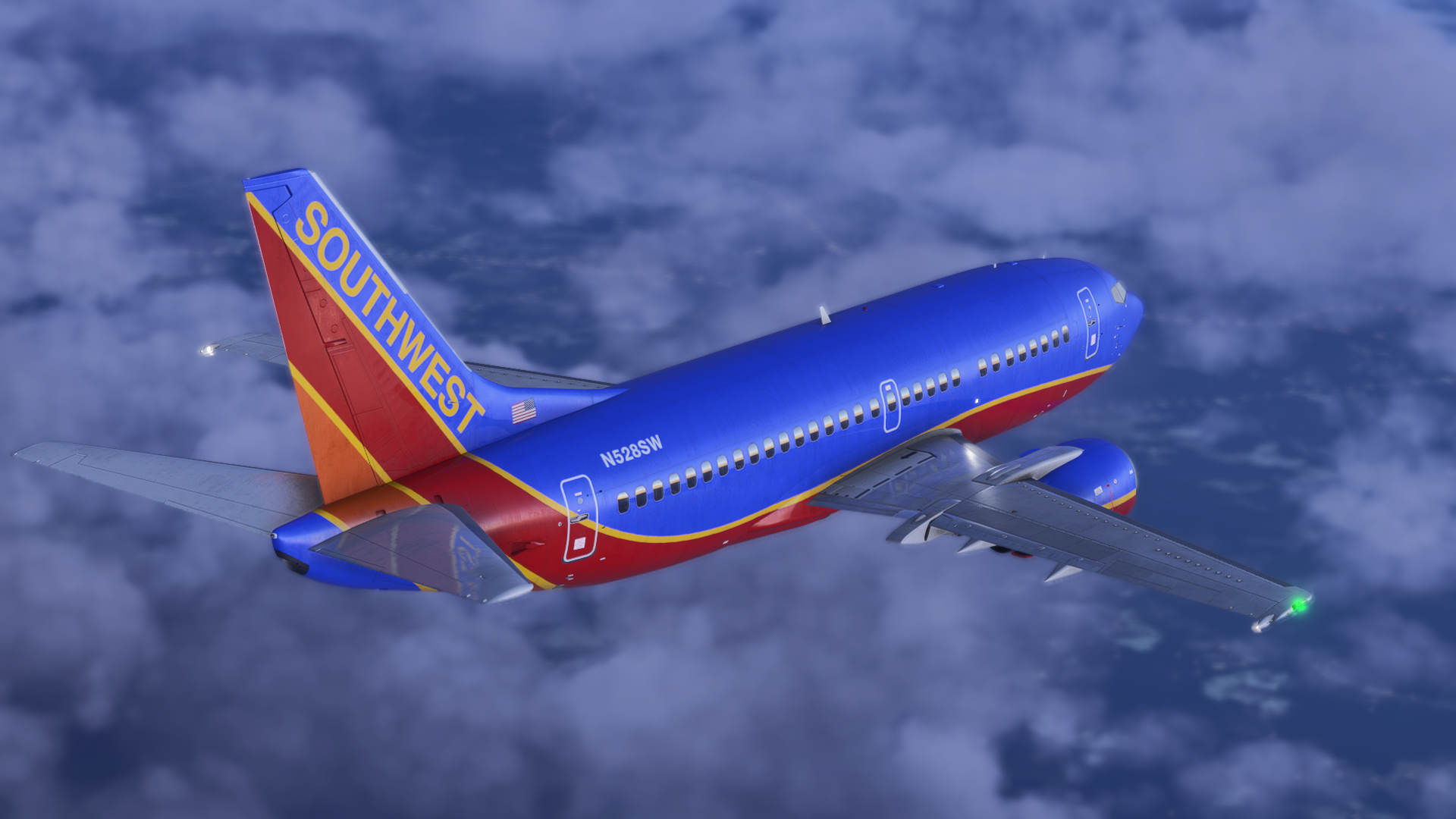
Aircraft family
737-300 / 400 / 500
Choose the Classic variant that fits your mission: the universal 737-300, the stretched 737-400, or the 737-500 for low-demand feeder routes.
Classic cockpit philosophy
A hands-on flying experience
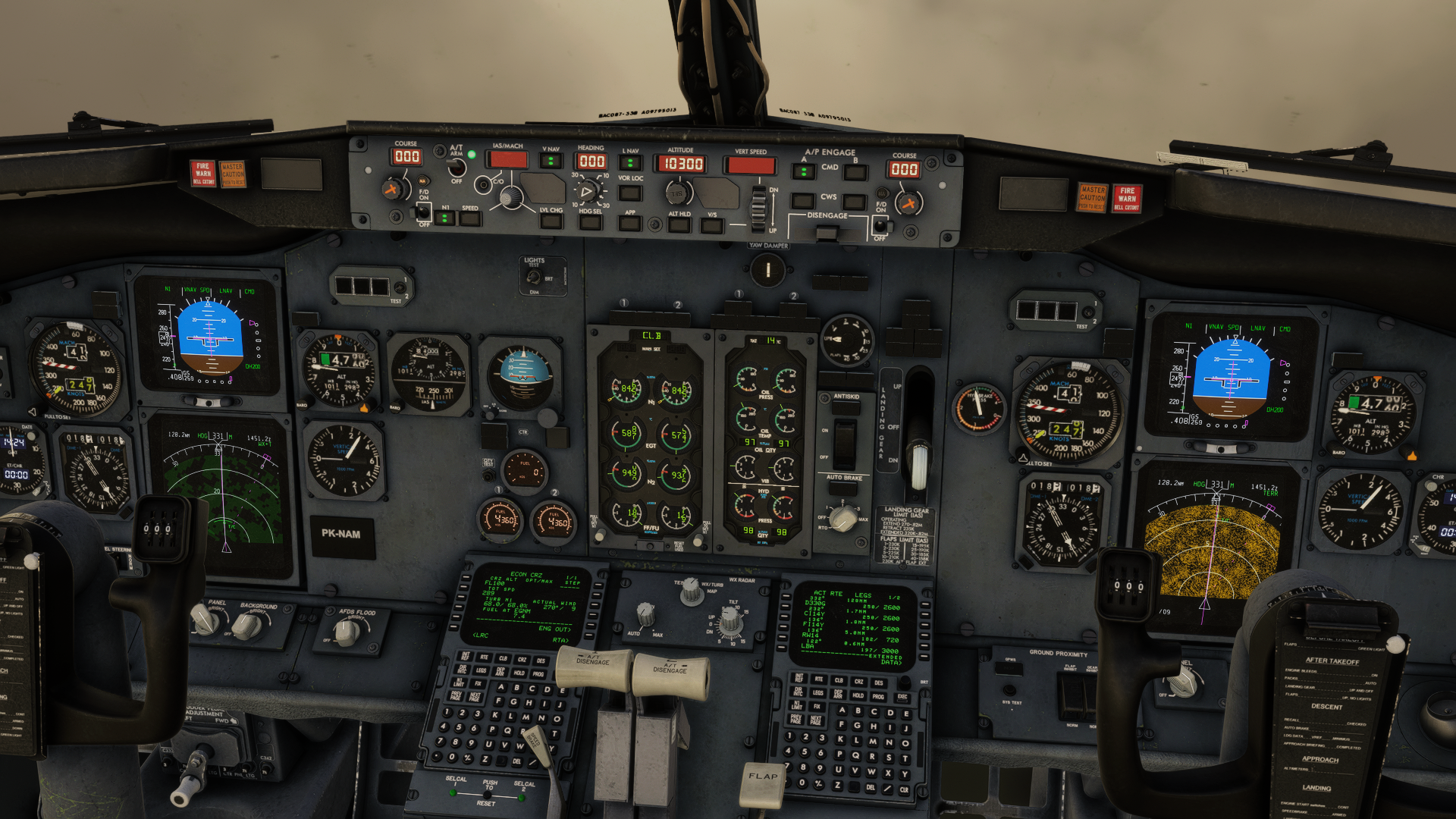
This airplane is more demanding than the jets of our era - with CRT displays, early digital gauges, a more manual workflow and a lack of GPS presenting a rewarding challenge to the modern simmer.
CSS Launcher
Seamless purchase, installation and updating
Use the CSS Launcher to manage your license, aircraft installs, updates, documentation, and support tickets from one place.
Discover setup guides, useful tips and tricks, troubleshooting steps and contact support without searching through separate pages
Read manuals and useful notes — Find installation instructions, aircraft features, tips and tricks and other useful information.
Open Knowledge Base→If you run into an issue — Find Frequently Asked Questions and contact links for our Communities and Support staff.
Get Support→More exciting news from our visual department as they work on V2!
CSS previews the upcoming 737-300SF and 737-400SF freighters, including conversion choices, cargo-door differences, and a broad base livery pack.
Immersive Audio is previewing an all-new high-fidelity sound package for the CSS 737 Family, planned as a free update for all users.
We're almost there!
Become a part of the CSS Community by joining the CSS Software Discord server and subscribing to the CSS Software YouTube channel.
Download CSS Launcher, install the 737-500, choose your access option, and keep the aircraft updated from one place.